How To Download WBSSC GROUP C & D Admit Card
How to Download WBSSC Group C & D Admit Card 2026 (Step-by-Step Process)
Follow the simple steps below to download your admit card from the official website of the West Bengal School Service Commission:
Step 1: Open Google and Search “WBSSC”
First, open your browser (Chrome, Edge, etc.) and go to google.com.
Type WBSSC in the search bar and press Enter.
You will see the official website at the top of the search results.
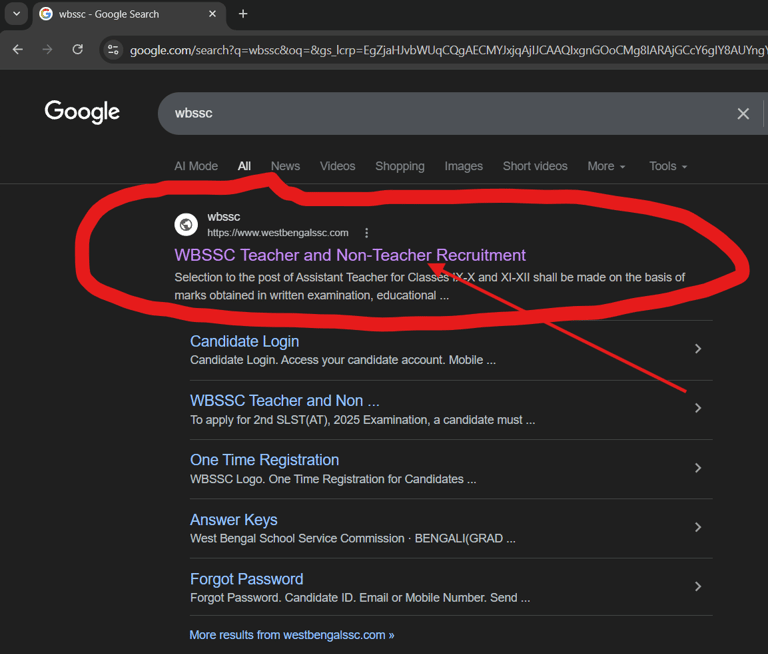
Step 2: Visit the Official Website
Go to the official WBSSC website (West Bengal School Service Commission)
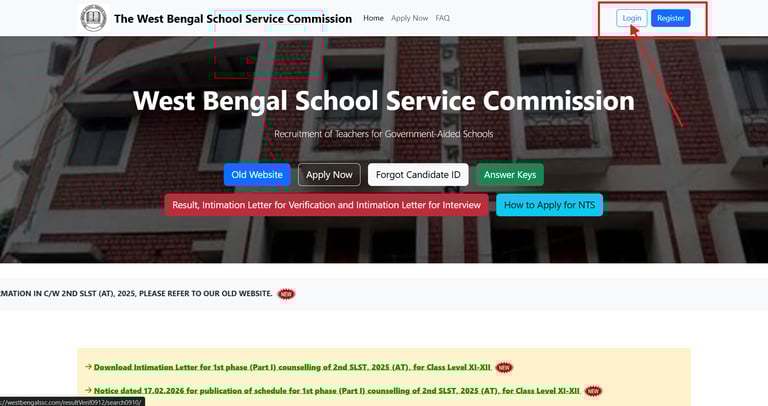
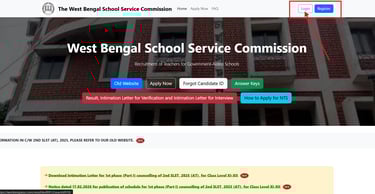
Step 3: Click on the Login Option
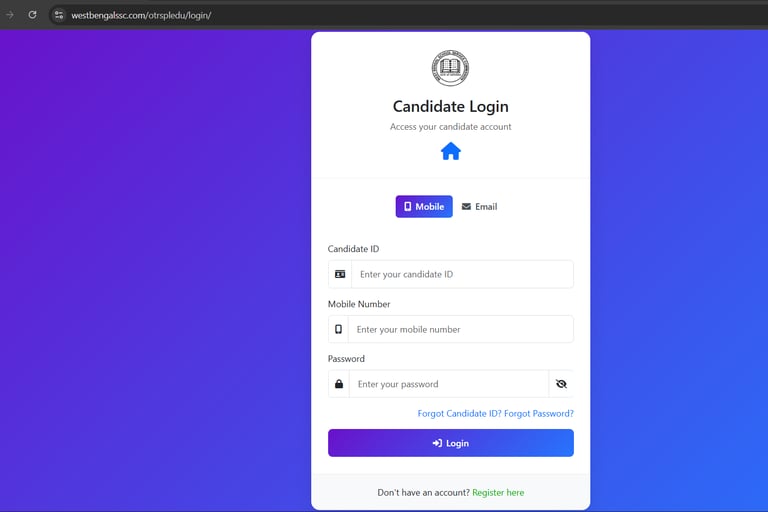
On the homepage, look for the Login / Candidate Login / Applicant Login option.
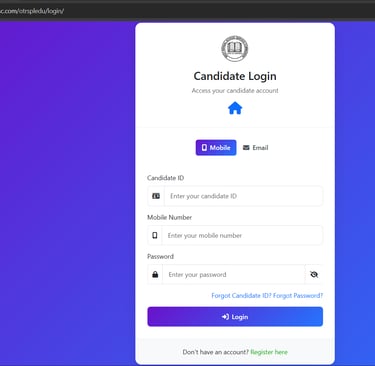
Click on the login option to proceed to the login page.
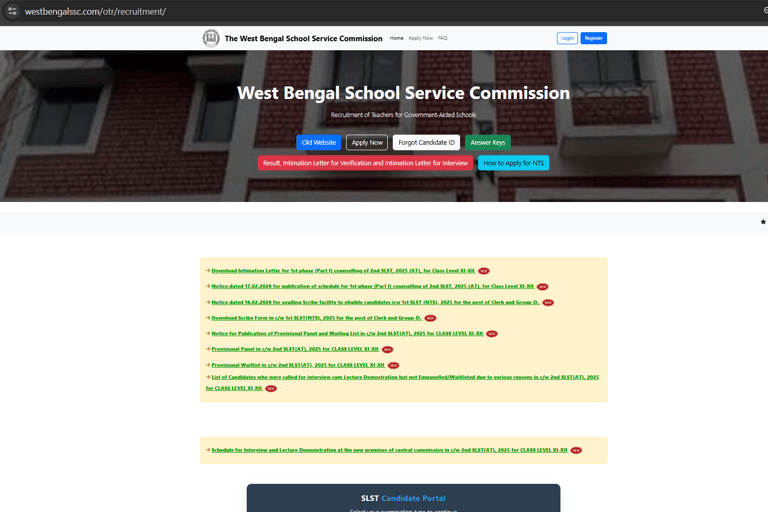
Make sure the website URL is correct before clicking.
After clicking the link, the official homepage will open.